How We're Redefining the kg

Did you know that Luxembourg’s law of August 21st 1816 made the metric system obligatory for all commercial transactions? I didn’t, until I was invited to the 200 year celebration “Bicentenaire de la Métrologie Légale”, which took place in Belval yesterday. The most prominent speaker, Luxembourg’s Deputy Prime Minister and Minister of the Economy Étienne Schneider, took this opportunity to announce that Luxembourg has decided to acquire an atomic clock.

Other speakers included ILNAS director Jean-Marie Reiff, BLM director Philippe Kadok, Professor Olivier Francis from the University of Luxembourg and Dr. Martin Milton, director of the BIPM. Mr. Kadok’s presentation contained a slide with interesting facts about the Service de Métrologie Légale: In 2015, this relatively small sub-organization of the BLM verified 2861 petrol pumps and more than 1450 weighing instruments of all types throughout the country.

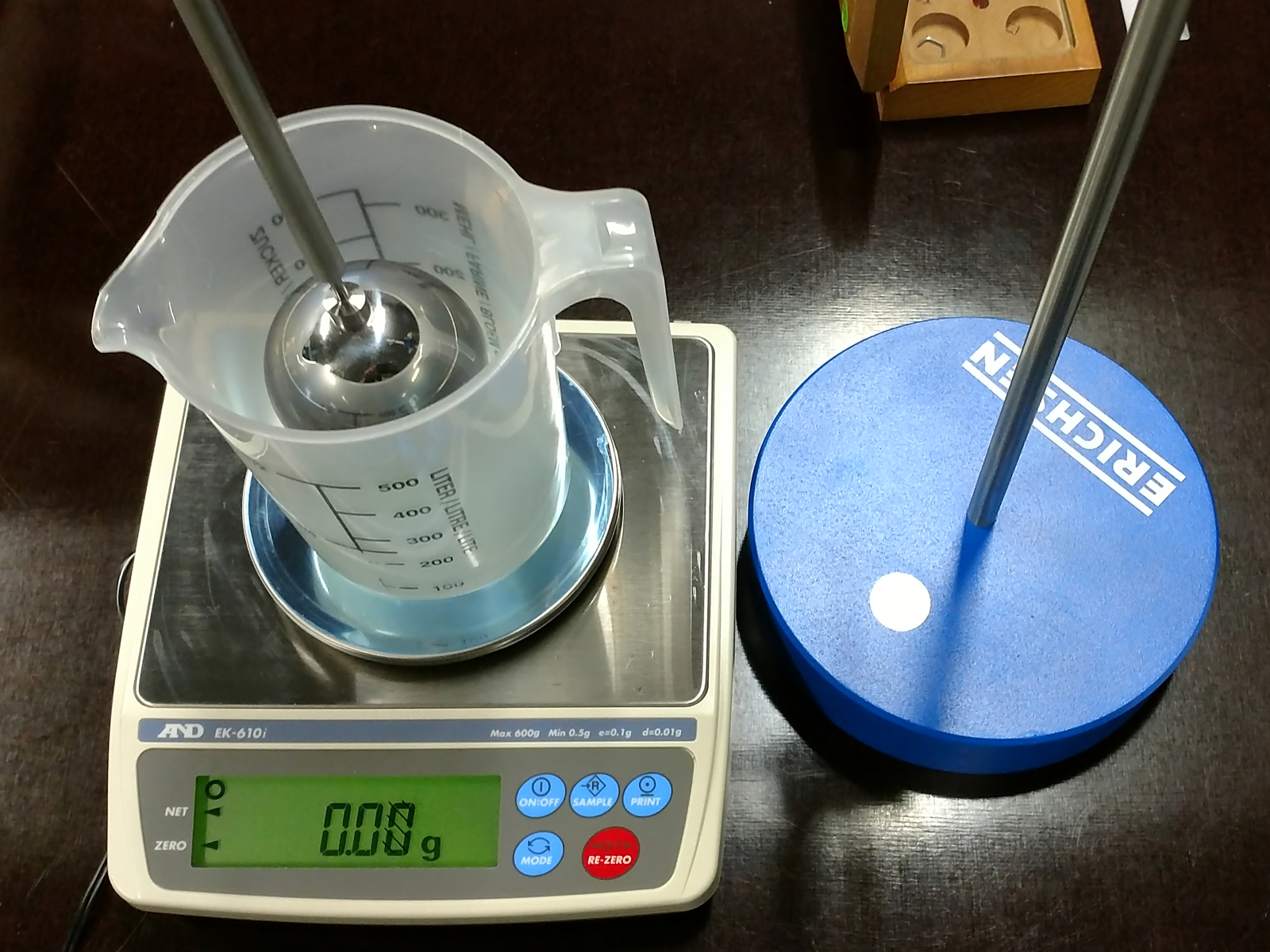
Several organizations with ties to the field of metrology had set up stands in the conference hall. The Service de Métrologie Légale’s stand showcased balances, weights and other measurement instruments. Sadly, recently retired director John Kirchen was nowhere to be seen.

Visitors were also invited to take a tour of ILNAS’ recently inaugurated EMC lab (used only for market surveillance purposes, not for product certification).
The first scale with a touchscreen display that I ever used (not made by Ohaus) took a while to start up, reacted sluggishly and – if I remember this correctly – required me to set up a user account before it would let me actually use it. That was a few years ago, but still, I was a bit skeptical when Ohaus announced that the newest model in their legendary Scout series would now have a touchscreen, too. However, after purchasing the cheapest Scout STX (the STX 421) and testing it extensively over several weeks, I can say that my worries were unfounded.
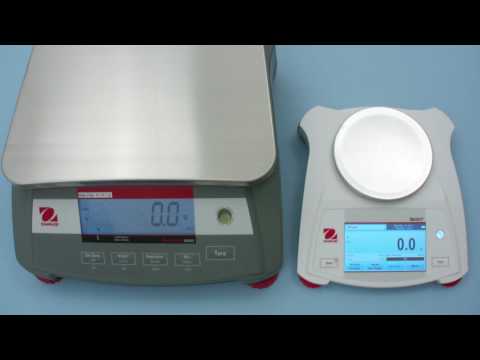
As you can see in this short video, the Scout STX is even faster than the Ohaus Ranger 3000:
How many scales can truly claim to be so easy to set up that you never have to look at the manual? As an example, here’s how you change the language: Touch “Menu”, then you’ll see 8 settings, of which “Balance Setup” looks the most promising. You’ll now see another seven settings with “Language” being the first one:
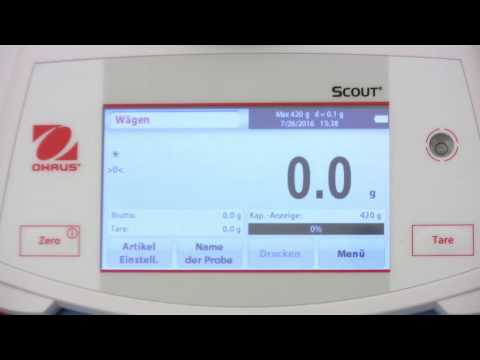
Should you ever find yourself somewhere you didn’t want to go, you can simply touch “Back” to go back to the previous screen.
Somewhat embarrassingly, the only thing I actually had to look up was how to change into another application mode: Instead of going through the menu, you simply touch the application name shown in the top left corner of the screen.
The touchscreen really shines when it comes to different applications. As you can see in this video of me using the parts counting mode with auto-optimization, the STX can even replace a dedicated counting scale:

12 seconds into the video, you can see that the scale displays a numpad to let me enter the average piece weight or number of samples. There’s simply no way to achieve this kind of application flexibility and user friendliness without a touchscreen.
One common complaint about touchscreens is the lack of tactile feedback. Fortunately, the most frequently used buttons on any scale, ON/OFF/Zero and Tare, were still kept as physical buttons on the Ohaus Scout STX.
You also have to consider that the fairly large screen needs a lot of power. The Scout STX can be used with four AA batteries, but those won’t last more than a few hours (6 according to Ohaus). It’s certainly a good idea to use the included power adapter whenever possible.